
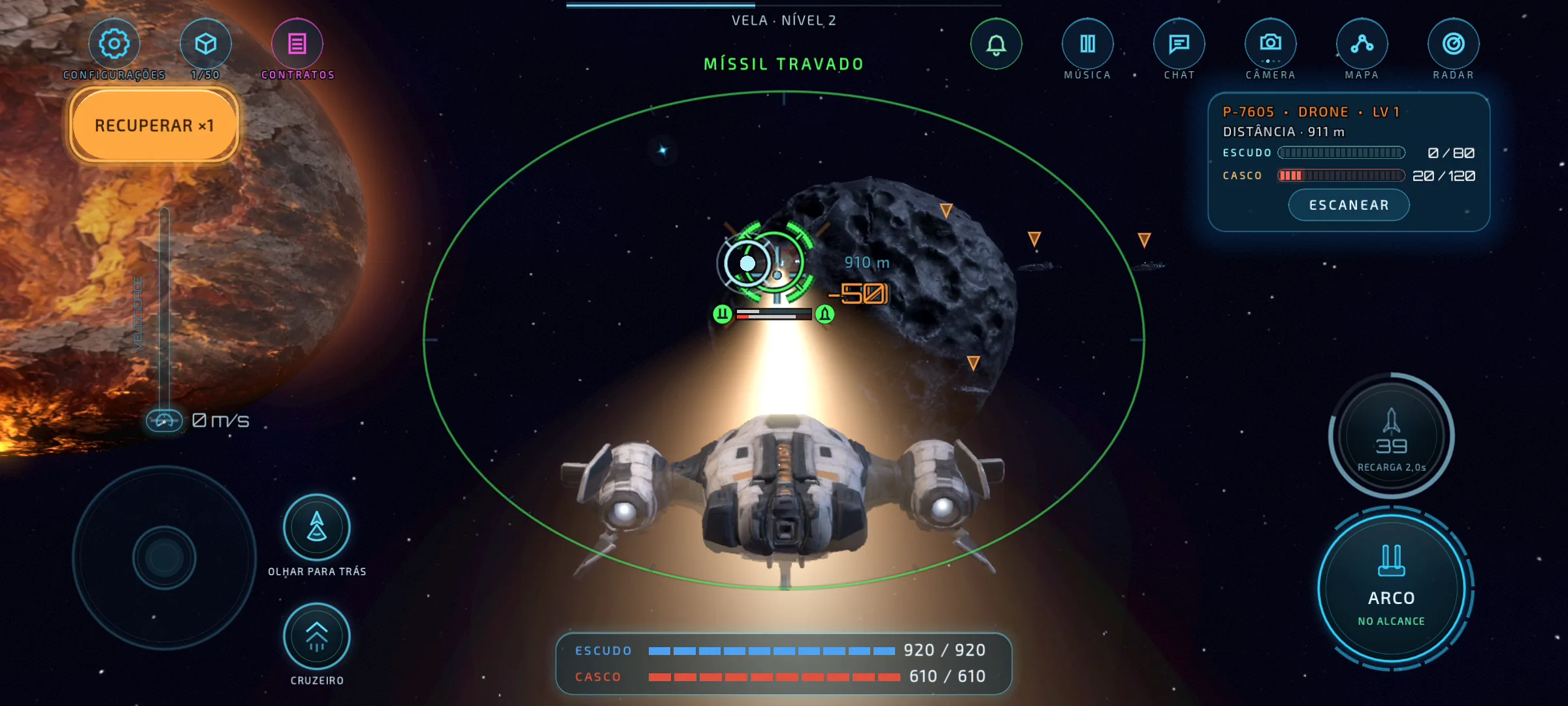
An Open Beta, now on PC
Error Solis is in Open Beta. The game is playable from the first flight to the later story chapters, but it is not finished: ships, balance, missions and performance keep changing every week, and the beta exists so players can tell us what to fix first.
Version 0.2.0 for Windows is the newest way in. It is free, like the phone and Mac versions, and runs on Windows 10 and Windows 11 PCs.
One pilot on every screen
The Windows version talks to the same servers as Google Play, the App Store and the Mac download. Sign in with your Google account and the pilot, ship, cargo and contracts you already have are waiting on the PC. Start a contract on your phone, finish it at your desk.
Flight for a mouse and a keyboard
The PC shares the desktop controls built for the Mac. The mouse steers the ship and is also the gun sight: the cannons converge under the cursor. The keyboard handles everything else, and LIA's flight lessons name the real keys instead of touch gestures.
- Mouse: steer and aim. Left click fires the cannon, right click fires a missile.
- W / S: speed. A / D: turn. Q / E: roll. Space: afterburner.
- F: dock or jump. Tab: nearest target. M: map. C: cruise. Hold Alt to free the cursor.
- The game opens in full screen. F11 or Alt+Enter switches to a window.
- Left-handed? Switch to I J K L or the arrow keys, and swap the mouse buttons, in Settings.
Installing: one extra click
The download is a zip of about 1.1 GB. Extract it to a folder and open ErrorSolis.exe.
During the beta the Windows build is not yet code-signed, so the first time you open it Windows may show a blue "Windows protected your PC" box from SmartScreen. Choose More info, then Run anyway. It only asks once. A signed version through the Microsoft Store is planned.
Tell us how it flies
This is the first Windows release, and PCs vary far more than phones. Tell us through the feedback page which graphics card and processor you have, how smooth the frame rate is and which keys feel wrong. Every report from the Open Beta goes straight into the next build.