
What to write
- What you enjoyed most in Error Solis
- What you would change
- Your most memorable moment
- Your Instagram username, for example @your_username
Option 1: in the game
- Docked at a station? Tap FEEDBACK, just below the "?" button.
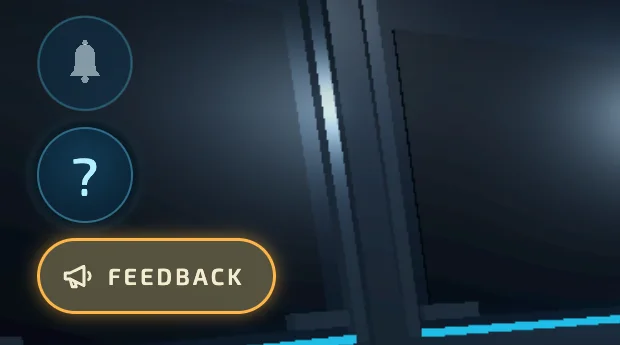
Don't see it yet? It arrives with the next update. Until then, use the pilot screen:
Open Error Solis. On the pilot screen, before you tap PLAY, tap FEEDBACK at the top.

- Choose IDEA or OTHER, write your text in the box and tap SEND FEEDBACK.
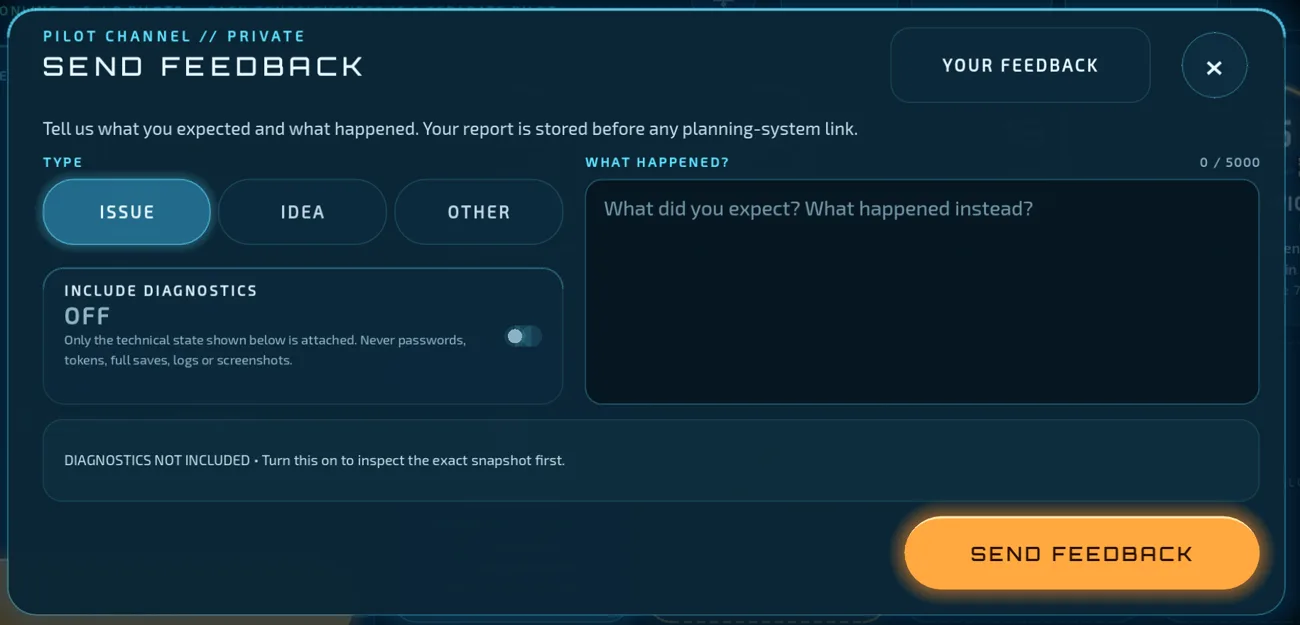
Sent in the game, your feedback is linked to your account automatically. Send it while signed in to the account of the pilot taking part.
Option 2: on this website
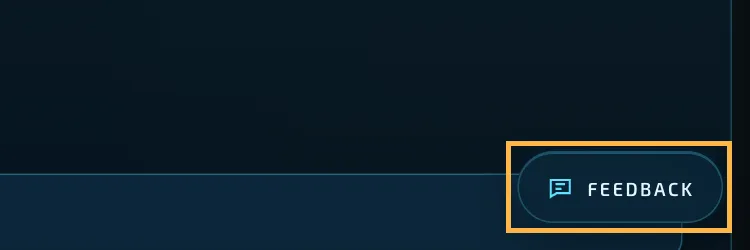
- Tap the Feedback button at the bottom right of any page on this website.
- Fill in the form as in the example: write your pilot name and Instagram username in the text, use the email of your Error Solis account, and tick the box below the email.
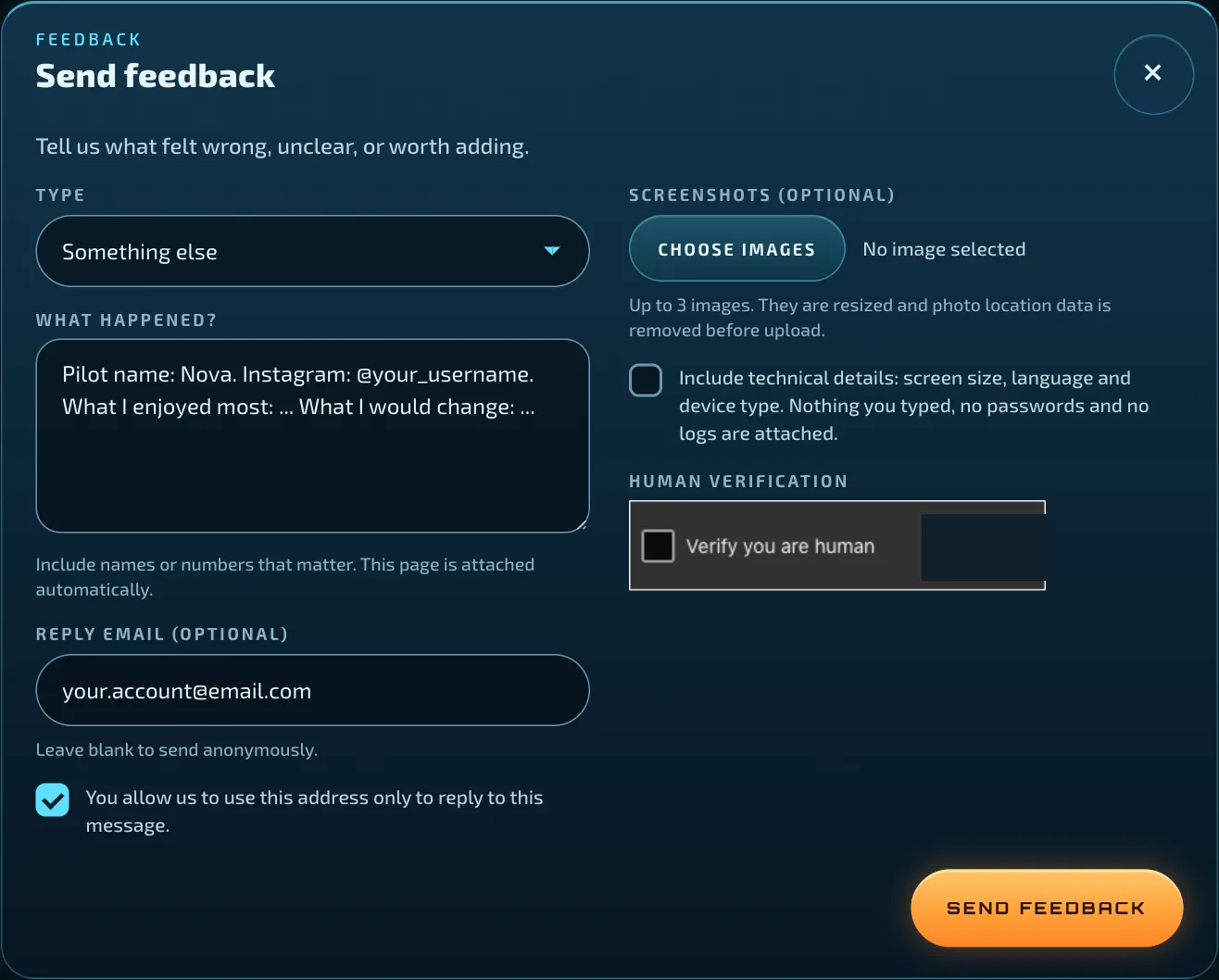
- Complete the human verification and tap the orange send button.
The website does not know who you are, so the email and pilot name are how we find your account. Without them we may not be able to match your entry. If you want to show us something, you can attach up to 3 screenshots here.
When to send it
From 15 November to 20 December 2026. Feedback sent before 15 November does not count.
Still stuck?
Write to [email protected] and we will help you.